Host Your Own Minecraft Server for Free with HomeDock OS
Deploy your own dedicated Minecraft server for free in one click with HomeDock OS, Java and Bedrock with cross-play, plus the final stats of our official server
 Claudio González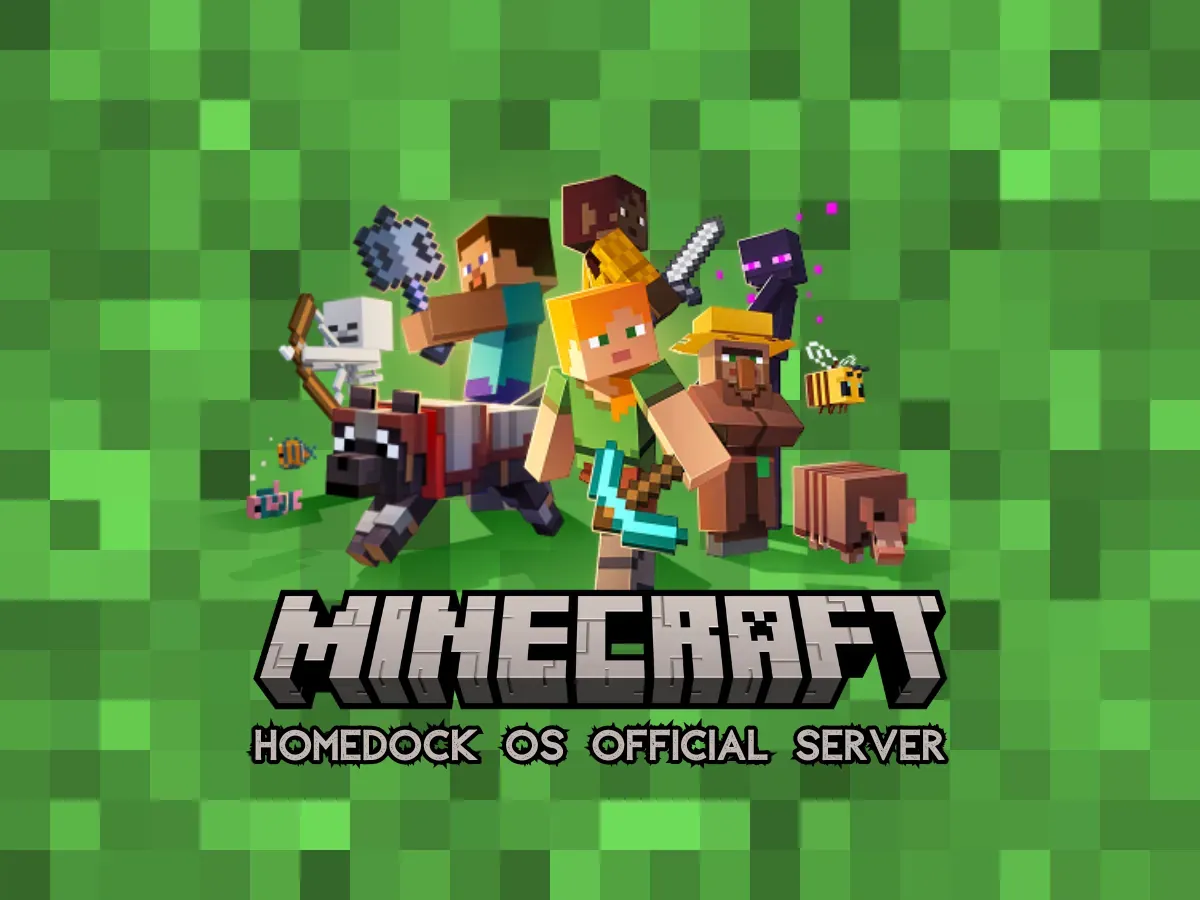
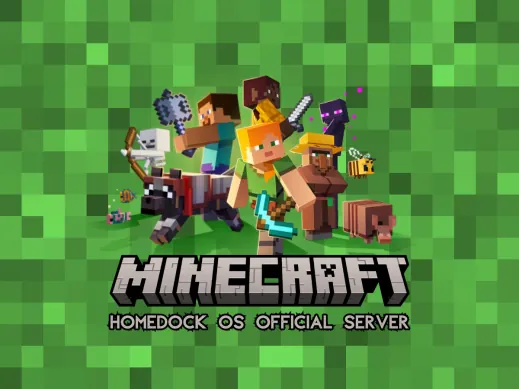
We’re excited to announce that HomeDock OS now has an official Minecraft server, and even better, it’s deployed entirely with one click from our App Store, as simple as that.
Minecraft Java and Bedrock fans can now enjoy a unified, seamless and self-hosted gameplay backed by the power of dedicated server infrastructure, thanks to HomeDock OS Cloud Instances.
If you want to host your own Minecraft server, you can do it for free with HomeDock OS. No more relying on third-party providers or paying for expensive hosting plans. With HomeDock OS, you have the freedom to run your own Minecraft server on your terms, using the power of your own hardware or in our managed cloud.
Why run a Minecraft dedicated server?
A dedicated Minecraft server means total control, better performance, and complete customization. Whether you’re running vanilla, modded, or hybrid setups, your world stays online 24/7, optimized for friends, communities, or even public access. It does even support cross-play between Java and Bedrock editions, so everyone can join in the fun regardless if you’re playing on PC, console, or mobile.
With HomeDock OS, setting it up is effortless. Our cloud platform simplifies deployment while maintaining powerful backend control, so you can focus on building, exploring, and enjoying Minecraft without worrying about server management.
Get your own Minecraft server running in minutes!
Compatible with Java and Bedrock editions, install it for free on your own hardware on Windows, macOS and Linux or in our HomeDock OS Cloud Instances.
Get Minecraft Server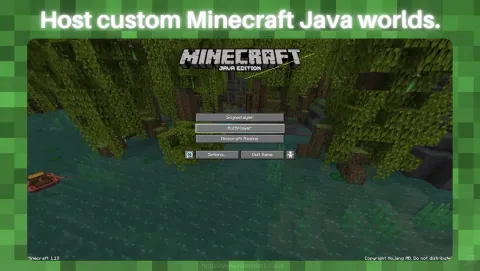
HomeDock OS: The best Minecraft server hosting alternative
Forget third-party providers and hidden fees. With HomeDock OS, you’re not just renting space, you own the stack. Whether you’re a casual builder or managing a community server, HomeDock OS is the best way to self-host a Minecraft server.
- • One-click Minecraft server hosting
- • Runs also on your own hardware (run your own server at home on Windows, Linux, or macOS)
- • Fully self-hosted and encrypted, no data mining
- • Supports both Java and Bedrock editions
- • Cross-play compatibility for all devices
- • Resource monitoring and snapshots included on cloud
- • Easy updates and mod/plugin integration, as simple as add a line to the config and restart
How to install your Minecraft dedicated server
- • Install HomeDock OS from our website
- • Open the App Store and search “Minecraft”
- • Click “Install” and that’s it. Your Minecraft dedicated server is now live, ready to be customized and played
- • Customize it with plugins, backups, or even a full public IP with DDNS
Launch Your Own Minecraft World Instantly!
Experience seamless setup and total control. Host Java and Bedrock servers for free with HomeDock OS, perfect for friends, communities, or public play. Host it on your own hardware or in our cloud, and enjoy cross-play compatibility across all devices.
Looking for something specific?
Interested in Cobblemon, Hardcore 365 Minecraft challenges, cheap dedicated server Minecraft setups, or Donut SMP-style game modes? Spin up your own server with HomeDock OS and set it up exactly the way you want to play.
Your feedback shapes what we host next. You can host them all with HomeDock OS. Our app stack supports any configuration you need.
The official server is now closed
We have shut down the official HomeDock OS Minecraft server. Running a public world well takes time every single day, moderating, updating, backing up and keeping griefers in their jail, and we simply didn’t have the time to manage it the way it deserved. We’d rather close it properly than leave it half looked after.
It was a lot of fun while it lasted, and the numbers speak for themselves:
Official server · Final stats
45
Total players
16
Peak players online at once
1
Ender Dragon defeated
Dragon champion
@Drizzy67
Thanks to everyone who logged in, built something, and to @Drizzy67 for taking down the dragon. If you miss it, the good news is that the exact same server is still one click away, on your own hardware or in our cloud.
Build, play, and grow
At HomeDock OS, we’re not just building tech, we’re building digital freedom. And hosting your own Minecraft dedicated server is just one more way to take control of your gaming experience.
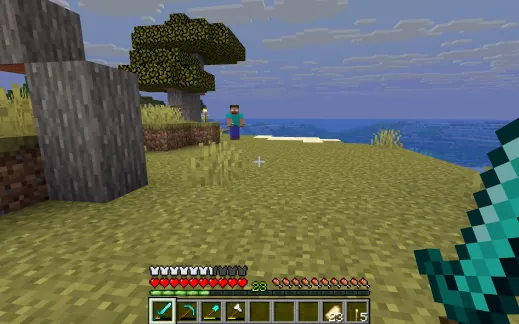
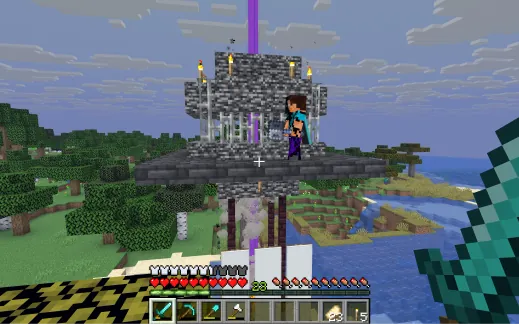
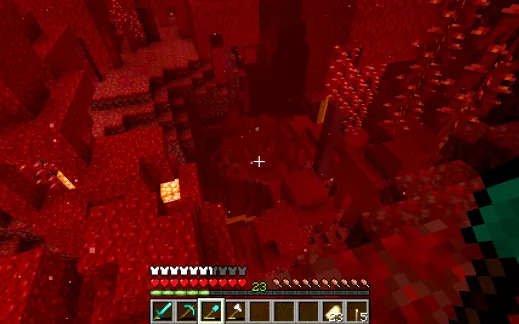
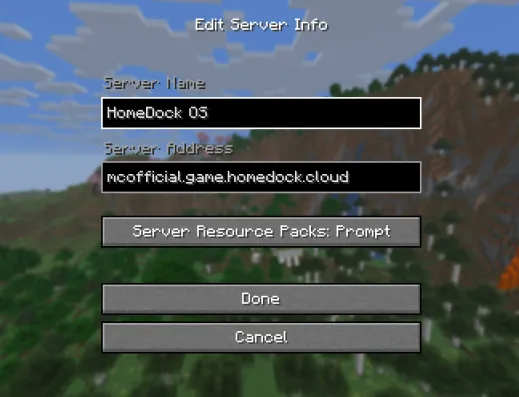
Image Gallery
Related Links