
The Advantages of Self-Hosting with Docker and HomeDock OS
Discover HomeDock OS, a versatile open-source cloud operating system that transforms your personal computer into a secure and private cloud.
HomeDock OS redefines what it means to take control of your digital environment. Harnessing the flexibility and scalability of Docker, it brings self hosting to a broader audience than ever before. Say goodbye to convoluted infrastructure and hello to a streamlined, secure platform that transforms any device into a reliable home server. With a rich app ecosystem and advanced cloud security baked in, HomeDock OS is designed for seamless performance across Windows, macOS and Linux.
What is HomeDock OS and How Does It Leverage docker?
HomeDock OS is an innovative cloud operating system designed to simplify the world of self hosting. At its core, it utilizes docker technology. This means that applications within HomeDock OS run in isolated environments called docker containers, providing enhanced security, stability, and efficient resource management.
The beauty of this integration is that you don't need an extensive docker tutorial to get started. HomeDock OS handles the complexities of docker behind the scenes. This allows you to deploy and manage your favorite self hosted services with just a few clicks, making the power of containerization accessible to users of all technical levels.
Simplifying self hosting with HomeDock OS
Traditionally, setting up and maintaining a home server for self hosting has been a daunting task, often requiring deep technical knowledge, especially in Linux environments. HomeDock OS changes this narrative completely. It's built to democratize self hosting, extending its ease of use to platforms like Windows and macOS through HomeDock OS Desktop, alongside its native Linux support via an installation script.
This means you can transform almost any computer into a powerful personal server. Whether you want to host your files, run media servers, or manage your passwords securely, HomeDock OS provides the tools and the interface to do it effortlessly. This is a significant step towards making docker self hosting a mainstream reality.
Is HomeDock OS a Replacement for proxmox or truenas?
It's important to clarify that HomeDock OS doesn't aim to replace specialized virtualization platforms like proxmox or dedicated NAS operating systems like truenas. While those are powerful tools for technical users and specific advanced scenarios, HomeDock OS focuses on a different goal: bringing the benefits of self hosting to the everyday user.
Our philosophy is centered on simplicity and accessibility. We want to empower individuals who may not have a background in IT to reclaim control over their digital lives without a steep learning curve. So, while proxmox excels at complex virtual machine management and truenas is a leader in network-attached storage, HomeDock OS excels at making self hosted services easy to deploy and manage for everyone.
The Power of the HomeDock OS App Store: Beyond docker compose
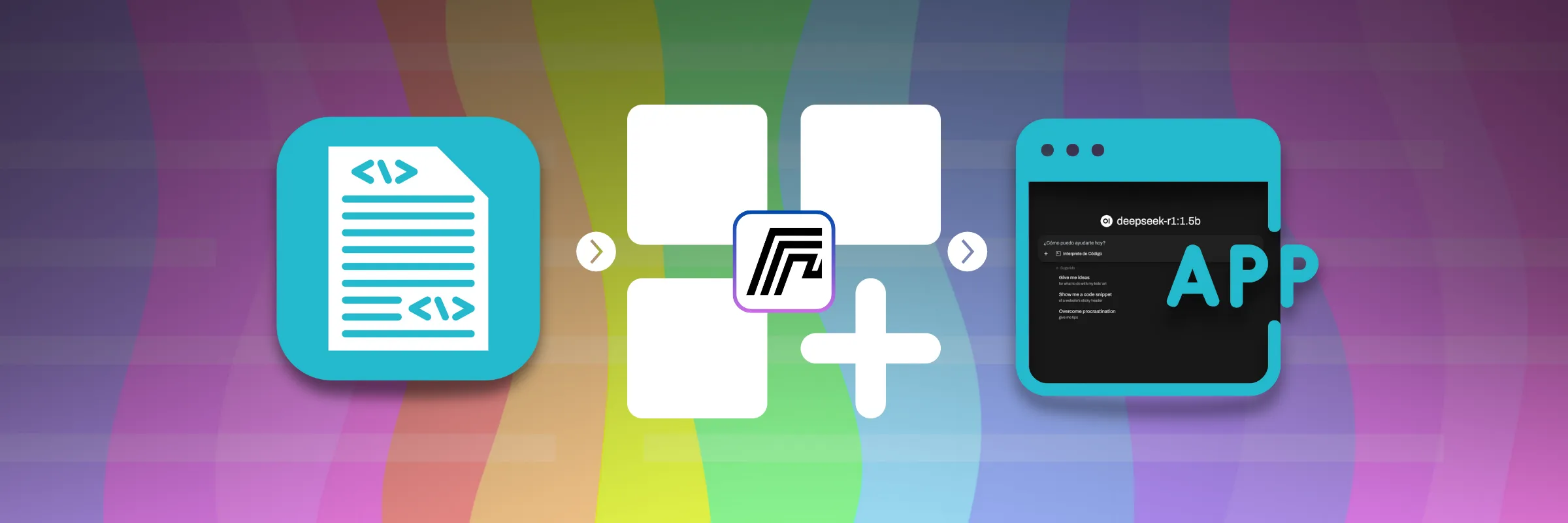
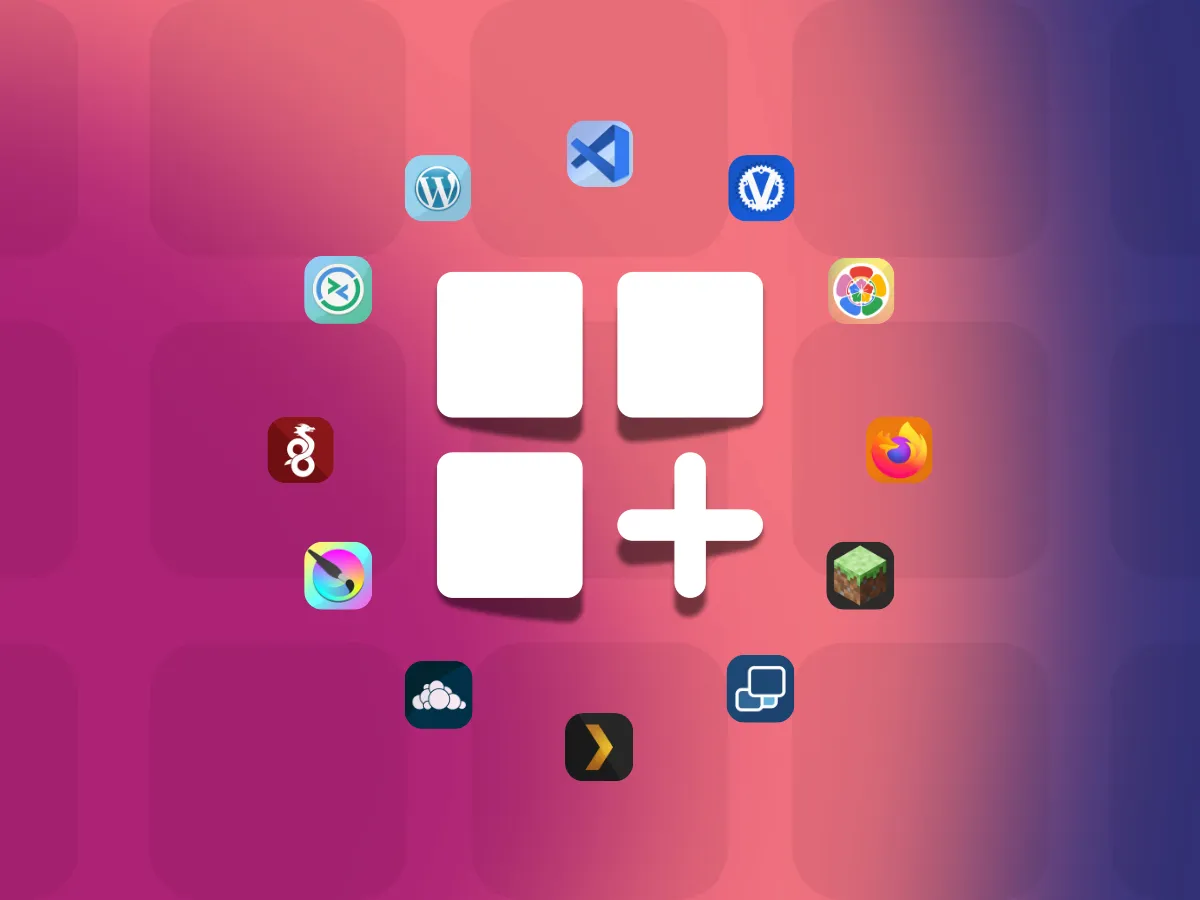
One of the standout features of HomeDock OS is its extensive integrated App Store, boasting over 200 readily available applications. This vast selection of self hosted services means you can customize your home server to your exact needs. Interested in setting up a self hosted cloud? You'll find popular options like Nextcloud (yes, you can self host nextcloud!), Owncloud, pwndrop, and Pydio Cells.
Want to create your own private Netflix? You can easily self host plex, jellyfin, or even Emby, with a single click. Concerned about password security? Deploy a self host password manager like Vaultwarden, complete with native Let's Encrypt SSL support. While docker compose is a fantastic tool for defining and running multi-container Docker applications, and our App Store allows you to switch to a code view to see the full compose configuration, the primary interface is graphical and user-friendly. In the future, we plan to release our own optimized images on docker hub, as we did with our first public image, bansheetech/atlas.
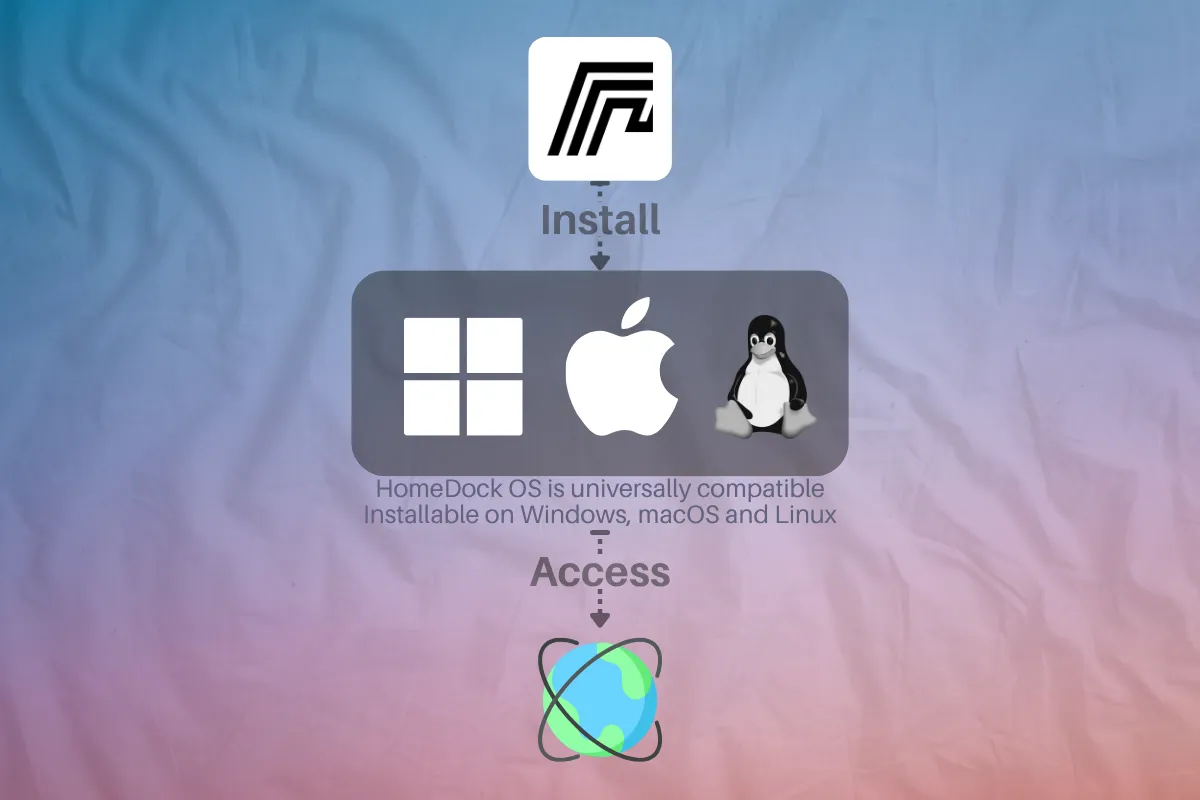
Unparalleled cross platform Compatibility
HomeDock OS is built with a clear goal: full cross-platform compatibility. Self hosting shouldn’t be limited to a single OS. HomeDock OS Desktop delivers the full experience on Windows and macOS, while Linux users can get started with a simple install script. It even replaces docker for windows and mac by running smoothly with WSL2 and Lima/Colima, no need for Docker Desktop.
Reaching this level of cross platform development wasn’t easy. Python helped us early on, but we built tools like vite-fusion to support modern workflows. Our App Store includes cross platform development tools such as code-server and VSCodium. While the current Desktop app runs on Electron, alpha builds in Rust and Tauri 2.0 reflect our commitment to performant multiplatform software.
How Does HomeDock OS Address cloud security?
In today's digital landscape, cloud security is paramount. HomeDock OS integrates numerous security measures to protect your data and services. This includes encrypted login processes, even in environments without HTTPS activated initially, and native HTTPS support for HomeDock OS itself, which extends to many apps in our cloud instances.
We strive to implement cloud security best practices transparently, so you can enjoy the benefits without becoming a security expert. Understanding and mitigating cloud security risks is crucial, and HomeDock OS is designed to be an essential partner for a secure journey through the cloud. A key aspect of this is robust cloud data security.
Advanced data encryption with Drop Zone
HomeDock OS includes a secure file cloud called Drop Zone, no separate encryption software needed. Every file you upload is automatically protected using strong AES-256-CBC encryption with a unique IV per file. This ensures even identical files are encrypted differently, keeping your data safe whether HomeDock OS runs locally or in the cloud.
Drop Zone is designed to encrypt files effortlessly, but security goes beyond storage. The login process uses RSA 4096-bit encryption on the client side, so even without HTTPS, credentials never travel in plaintext. It replicates HTTPS-like protection to guard against credential leaks, reinforcing trust across the entire system.
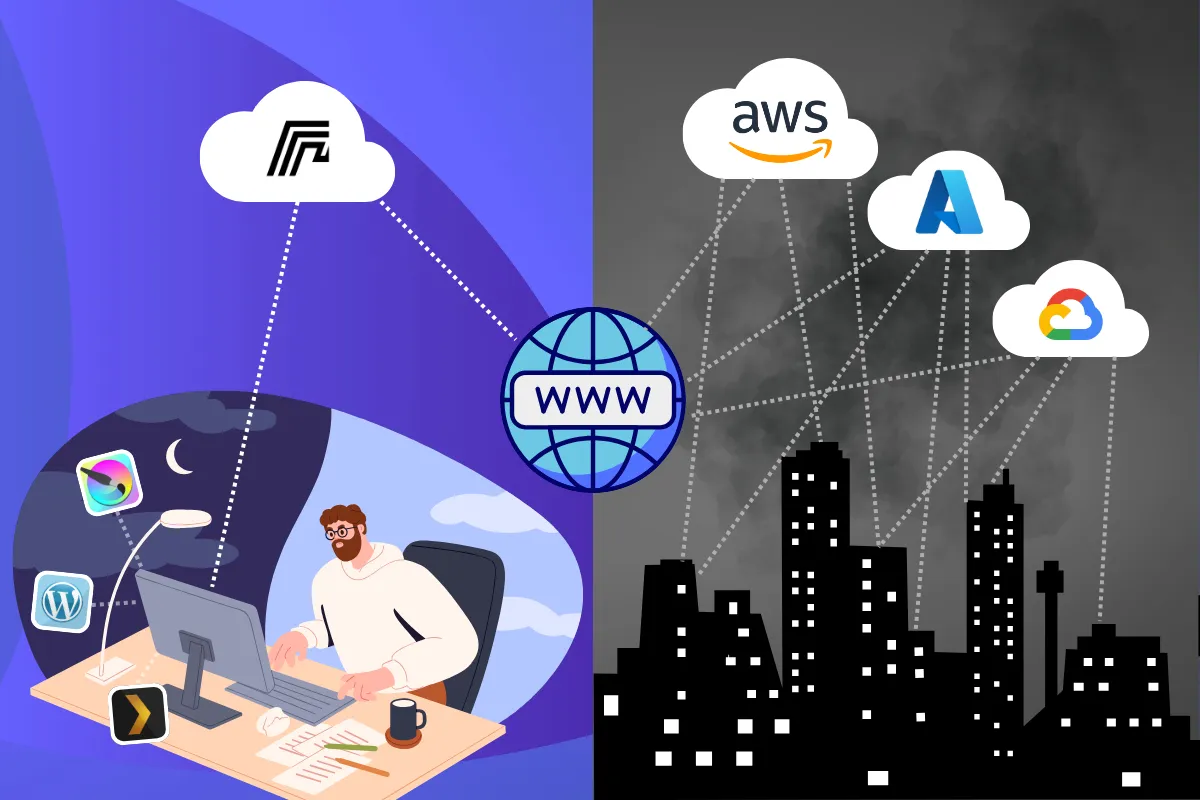
Your Own Mini AWS, Azure, or GCP at Home with docker self hosting
Imagine having the power to build your own mini AWS, Azure, or Google Cloud Platform, but hosted by you, on your terms. HomeDock OS, through effective docker self hosting, makes this a reality. While platforms like aws security, azure and gcp offer incredible scale and security, they also come with complexity and potentially astronomical costs, especially for compute and egress traffic.
HomeDock OS empowers you to create a personal or small business cloud environment without those hefty egress fees or vendor lock-in. You control the infrastructure, the data, and the costs, offering a level of autonomy that public clouds cannot match for personal use.
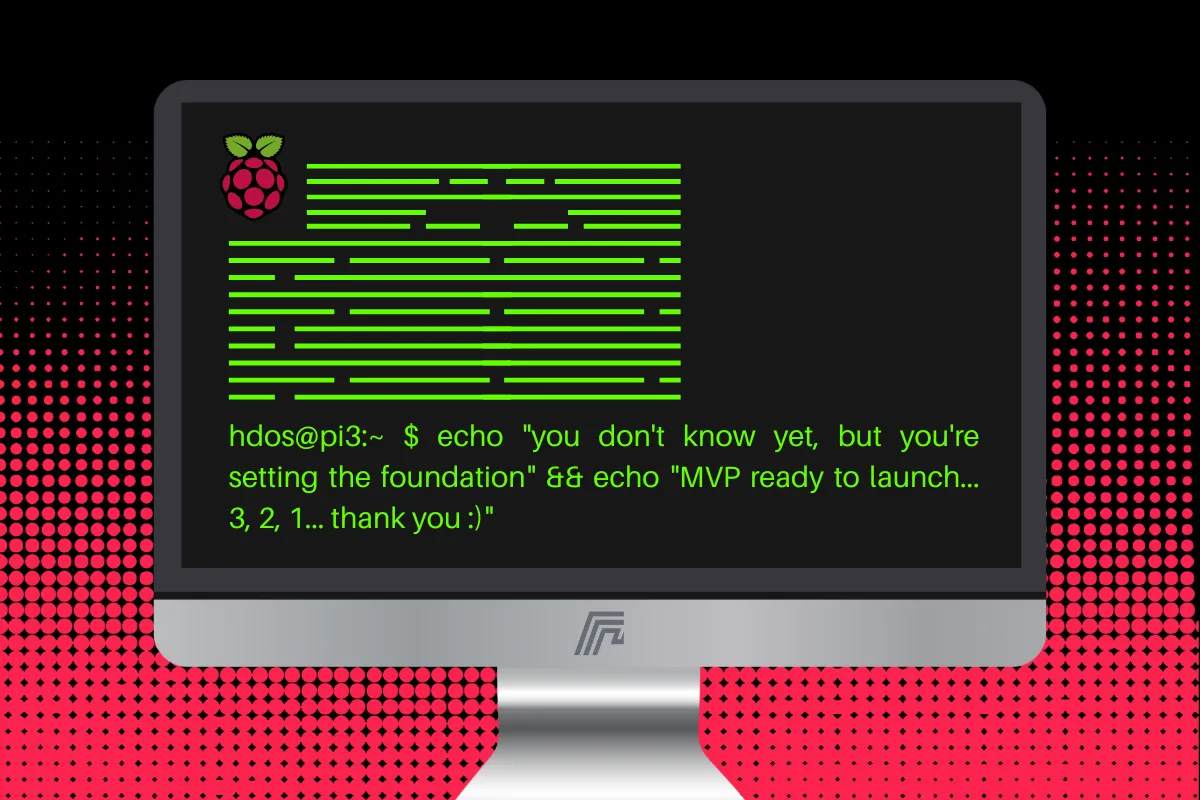
HomeDock OS and the raspberry pi self host Journey
HomeDock OS was born from the raspberry pi self host community. The first MVP was built entirely on a Raspberry Pi 3 using vanilla JS, CSS, and code-server. Though later rewritten in TypeScript, Vue, and Tailwind, the platform remains optimized for low-power devices like the Pi.
Thanks to its lightweight, multiplatform design, HomeDock OS runs smoothly on modest setups yet scales easily to more powerful hardware, making it a flexible solution for all kinds of users.
Conclusion: Take Control of the Cloud with HomeDock OS
HomeDock OS stands out by making the sophisticated world of docker and self hosting incredibly accessible. It offers a secure, versatile, and user-friendly platform to manage your digital services and data across Windows, macOS, and Linux. With its rich App Store, robust data encryption, and commitment to cross platform availability, HomeDock OS empowers you to build your own personal cloud and reclaim your digital independence. Explore the possibilities and discover how easy self hosting can be. For more insights and detailed guides, feel free to explore our blog.
HomeDock OS
Docker is a registered trademark of Docker Inc. This website and HomeDock OS are not affiliated with or endorsed by Docker Inc. Trademarks used are for identification purposes only.